Yaniko Software
Summarise and ask
Apple Intelligence summarises the document and answers your questions on your Mac (macOS 26). Every point and every answer links to the pages it comes from.
 Massicot · Comparison
Acrobat, PDF Expert and UPDF bet on subscriptions and online AI. Massicot keeps your documents on your Mac, for a one-time purchase.
At a glance
| Criterion | Massicot | Adobe Acrobat Pro | PDF Expert | UPDF |
|---|---|---|---|---|
| Price | €39.99 once | About $20 a month | $80 a year or $140 lifetime | $50 a year or $80 lifetime |
| One-time purchase on Mac | Yes | No | Yes | Yes, AI assistant excluded |
| Built-in online AI assistant | No, by choice | Yes | Yes | Yes |
| AI that runs on your Mac | Yes, with Apple Intelligence (macOS 26): summaries, questions, bookmarks, redaction | No, AI in Adobe’s cloud | No, online AI (OpenAI, Google) | No, online AI (OpenAI) |
| Summarise a PDF and ask it questions | Yes, on your Mac, with the pages cited | Yes, in Adobe’s cloud | Yes, online AI | Yes, online AI |
| Document processing | On your Mac only | On the Mac and in Adobe’s cloud | On the Mac, online AI | On the Mac, online AI |
Public prices noted in October 2026, excluding tax for dollar prices; they may change. The names cited are trademarks of their respective owners. This comparison covers the pricing model and where documents are processed, not every feature of each product. AI features were checked in October 2026 in the publishers’ documentation.
In version 1.5
The features you used to find in subscription suites, without sending a single document.
Apple Intelligence summarises the document and answers your questions on your Mac (macOS 26). Every point and every answer links to the pages it comes from.
macOS translates the text of the pages on your Mac; the translation is added to the montage or saved as a PDF.
IBANs, emails, phone numbers, social security numbers, SIRET and your own terms: found by verifiable rules, reviewed one by one, then permanently removed. With Apple Intelligence (macOS 26), Massicot also finds names, addresses, dates of birth, health data and everything about a person, without sending anything.
PAdES signature with a certificate from the keychain or a .p12 file, optional RFC 3161 time-stamp, even on a password-protected PDF. Check the signatures of PDFs you receive, too.
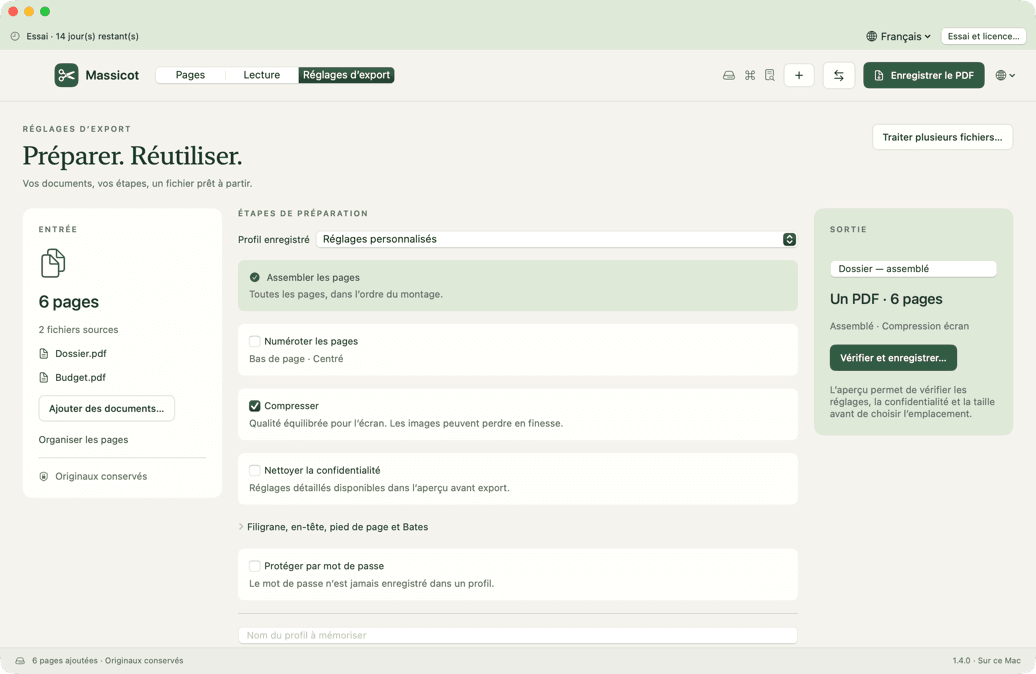
Every exported page can carry a watermark, a header, a footer and Bates numbering, built into the content.
Massicot spots the underscores, dotted leaders and boxes of a paper form and turns them into real PDF fields.
The app lists every connection it opens: the license and the update check, never a document.
Word, RTF, ODT, text and Markdown convert directly through macOS. LibreOffice remains useful for Excel and PowerPoint.